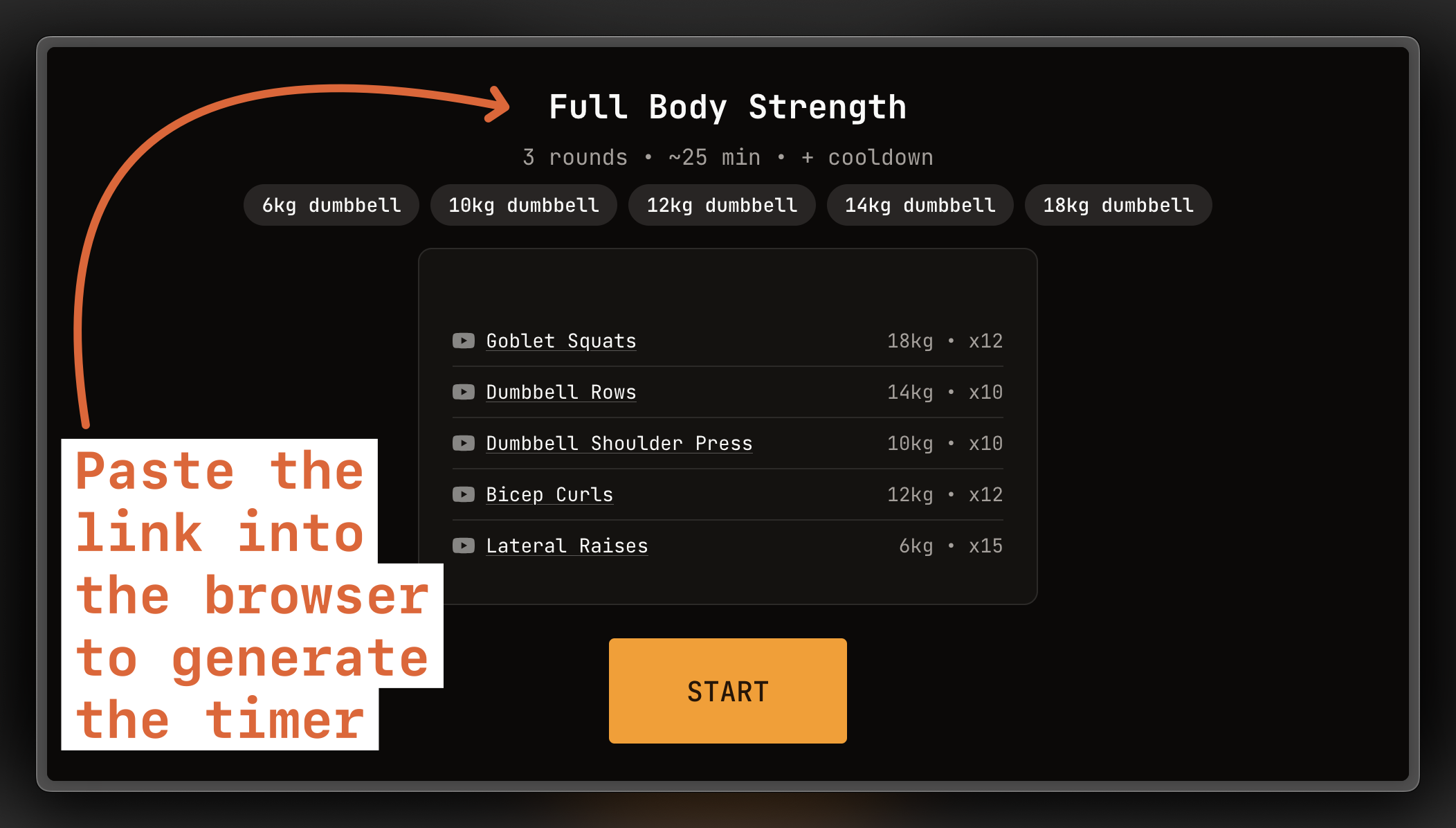
 Workout Timer
How to use with Gemini
💡
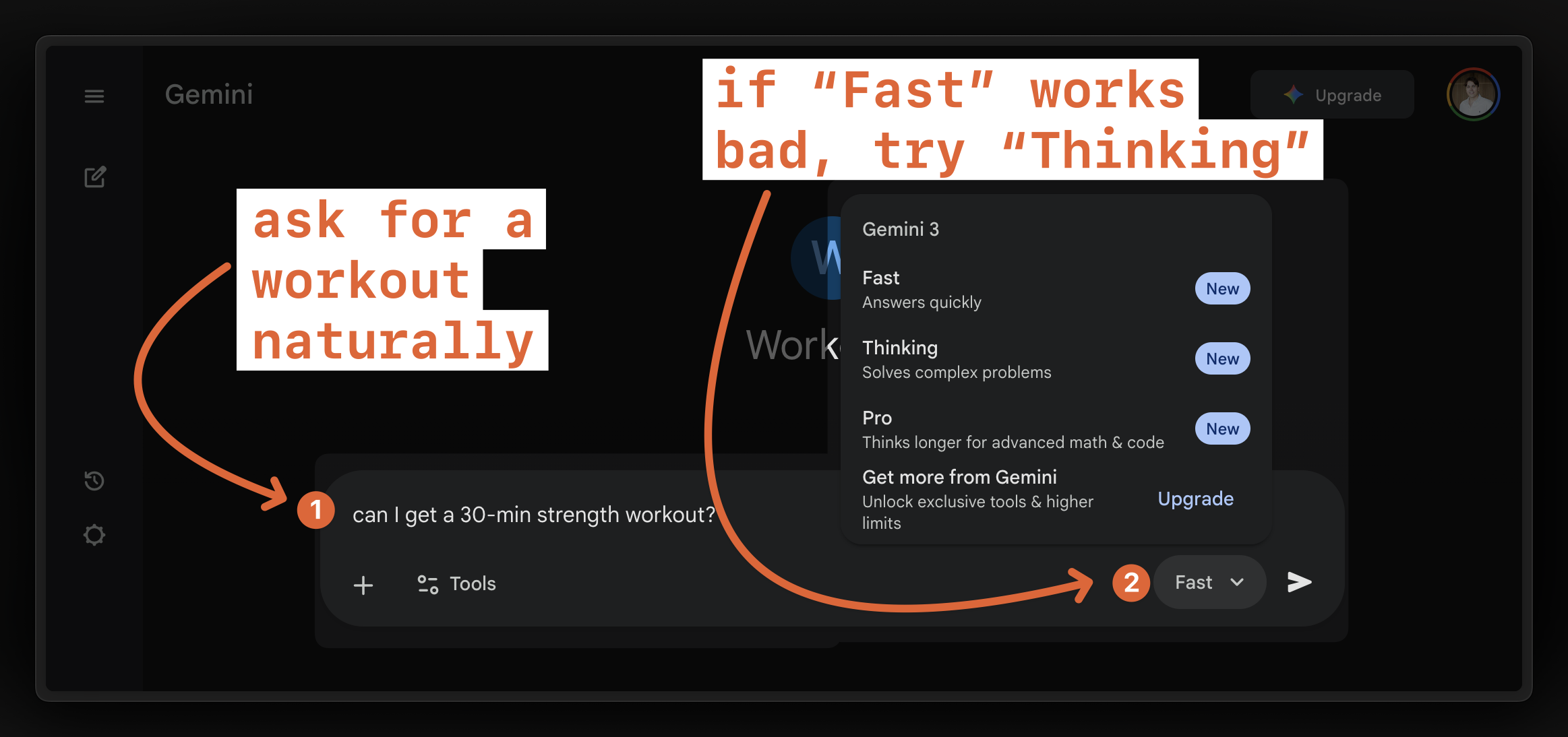
Works best with Thinking model
Flash 3.0 or "Fast" mode makes mistakes sometimes.
1
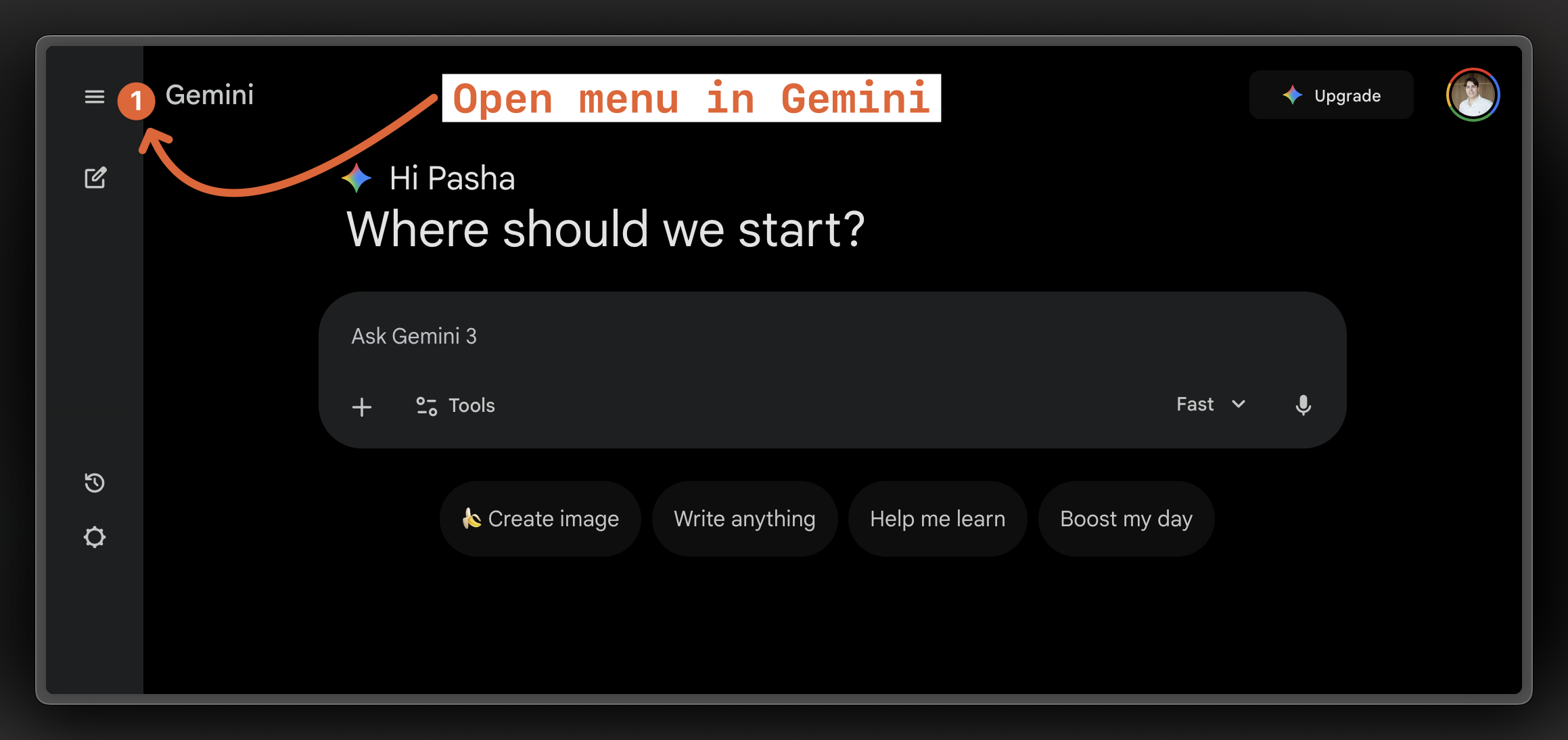
Open sidemenu in Gemini
2
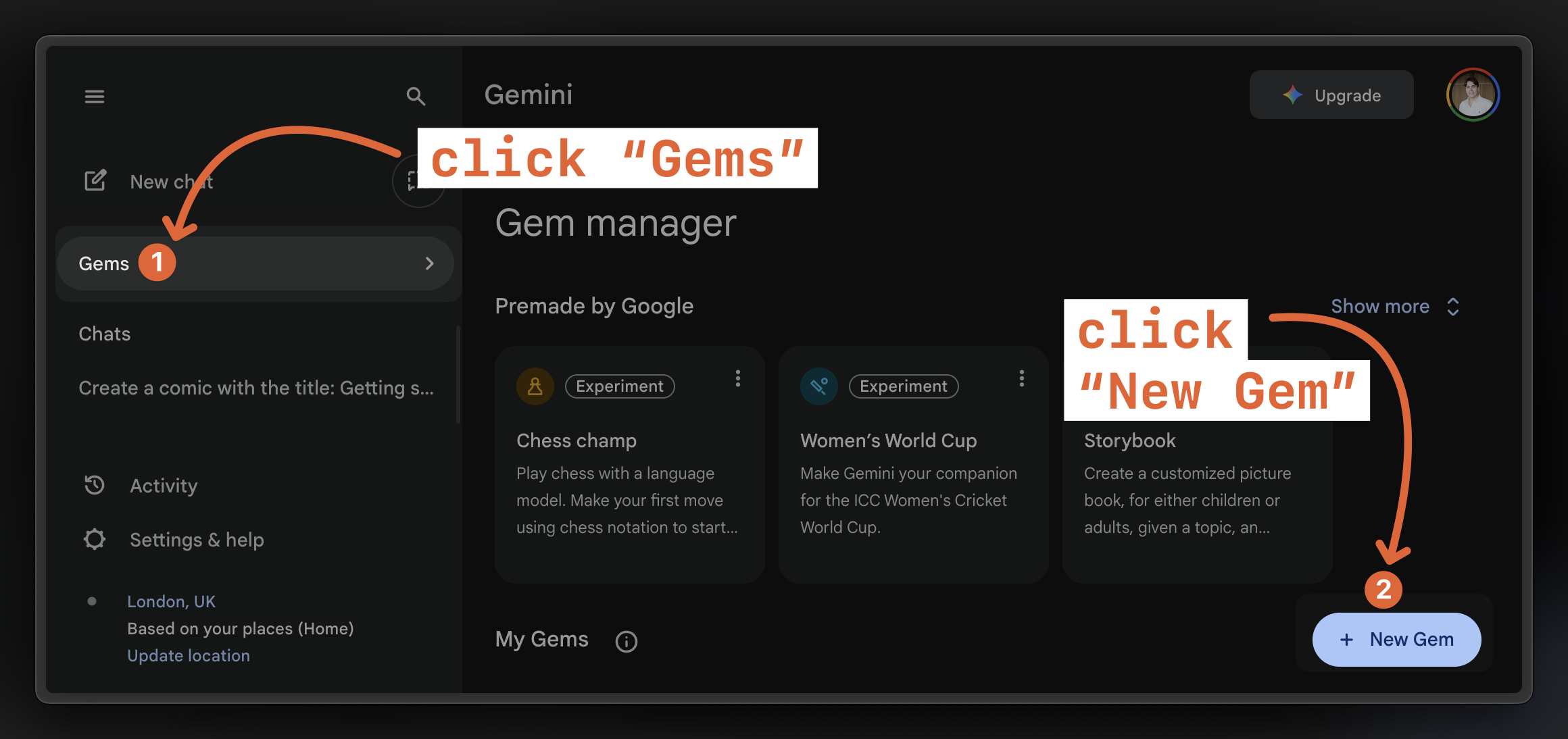
Create a new Gem
3
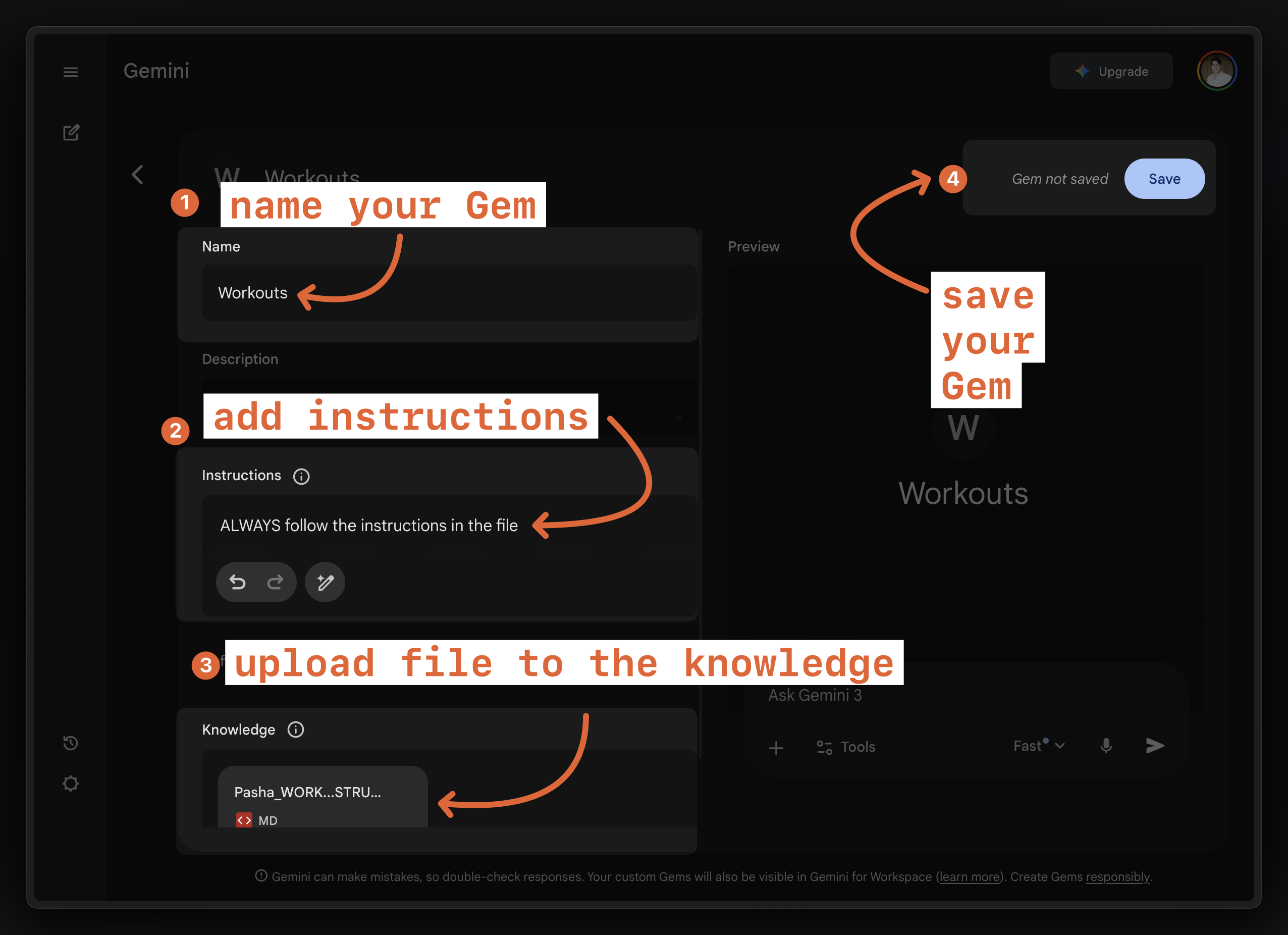
Add instructions and your file to your Gem
4
Ask for a workout. Consider using "Thinking" model if any issues.
5
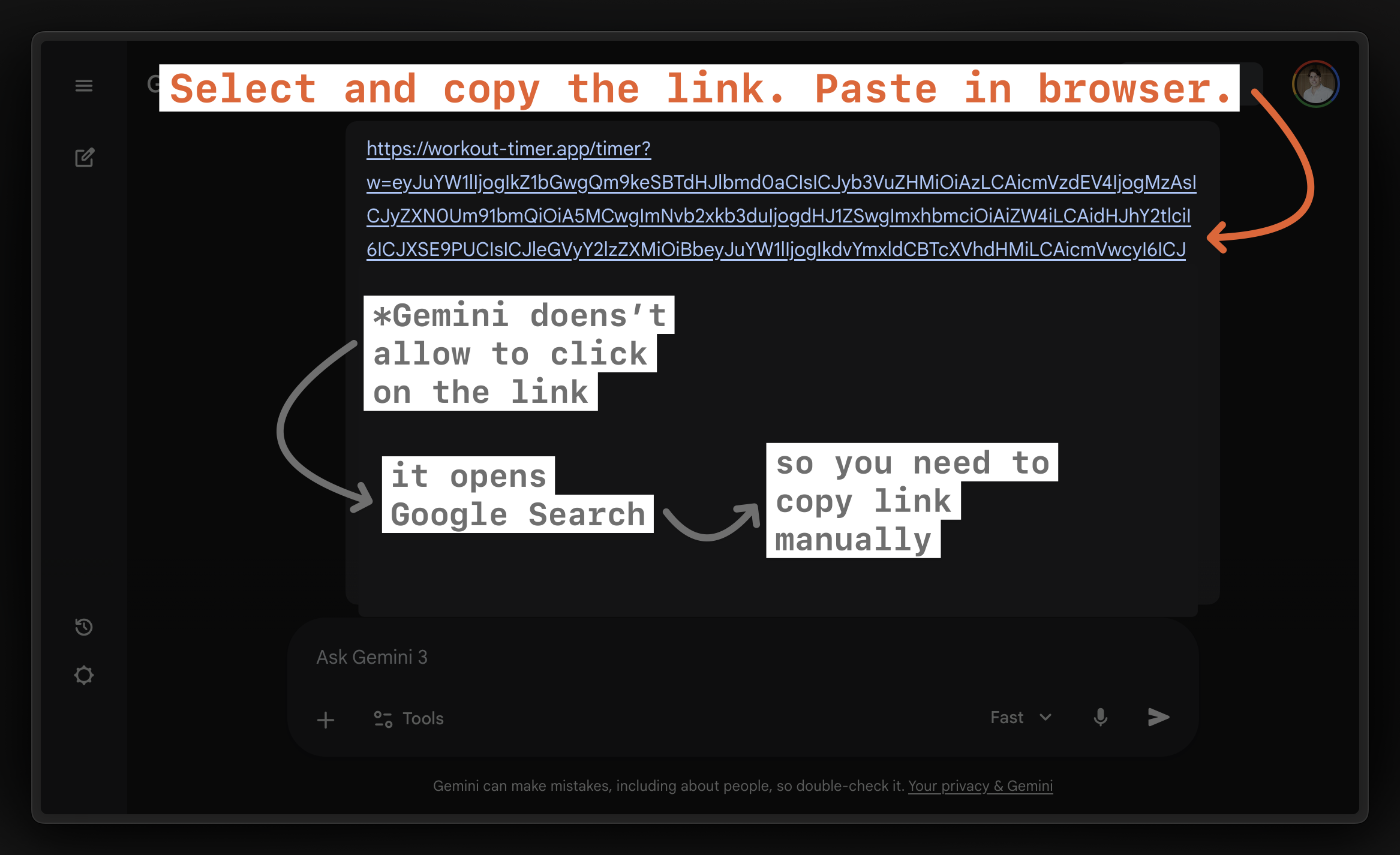
Gemini should return the full link. If not – ask it to return the full link. Copy this link.
6
Paste the link into a new browser window to open the timer.