 Workout Timer
How to use with Claude
💡
Works best with Sonnet 4.5 or Opus 4.5
If Sonnet glitches, try Opus. But Claude is very stable.
1
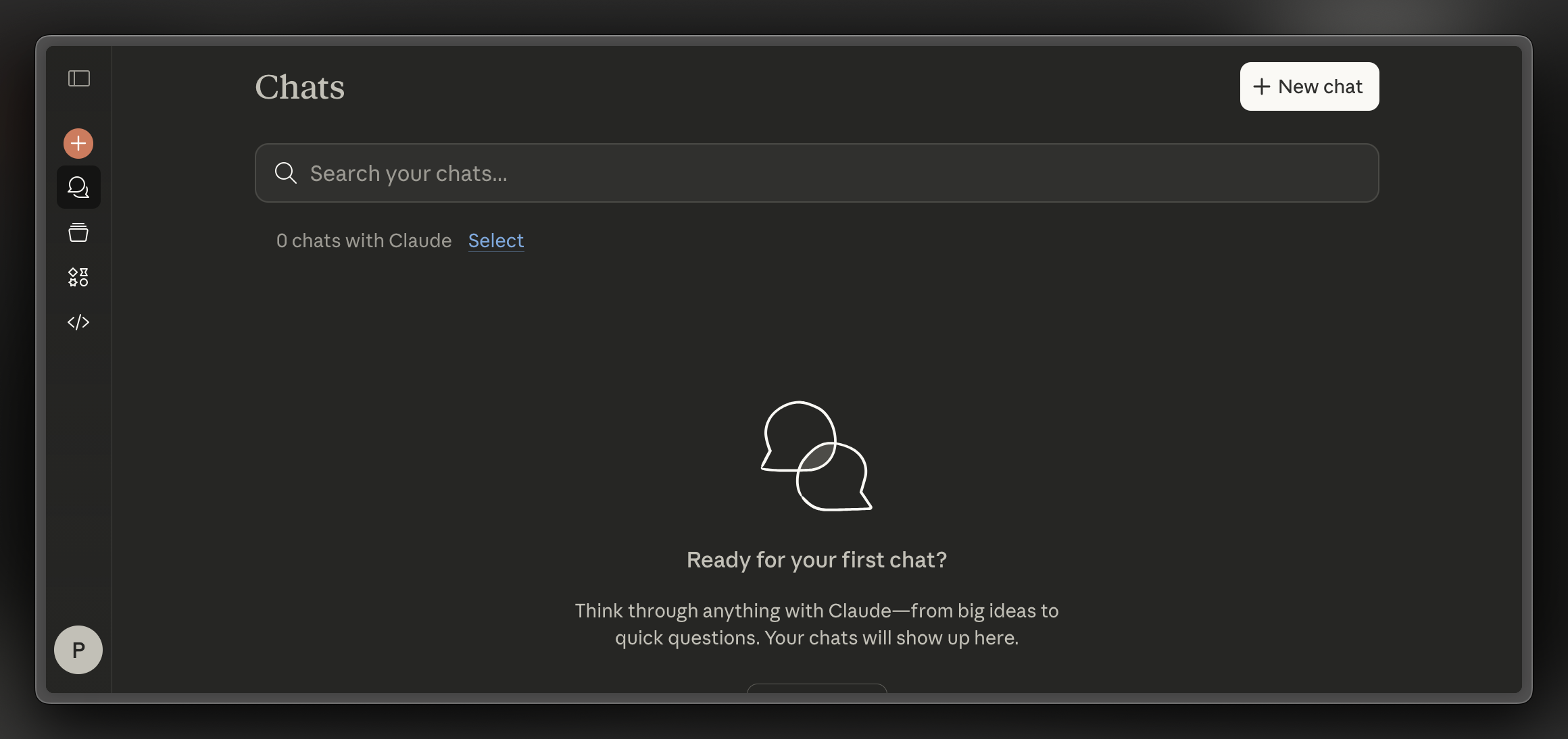
Open claude.ai and sign in
2
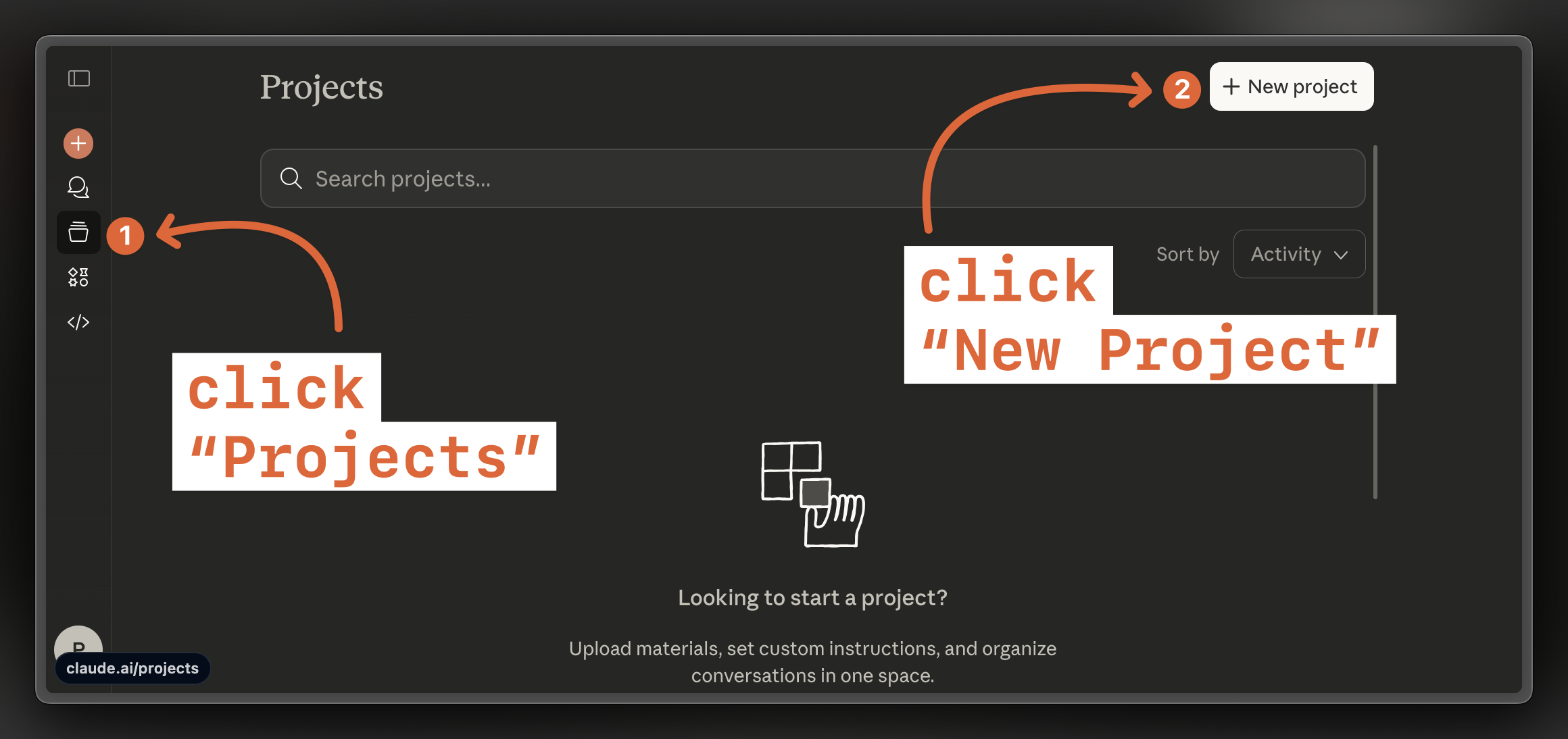
Open "Projects"
3
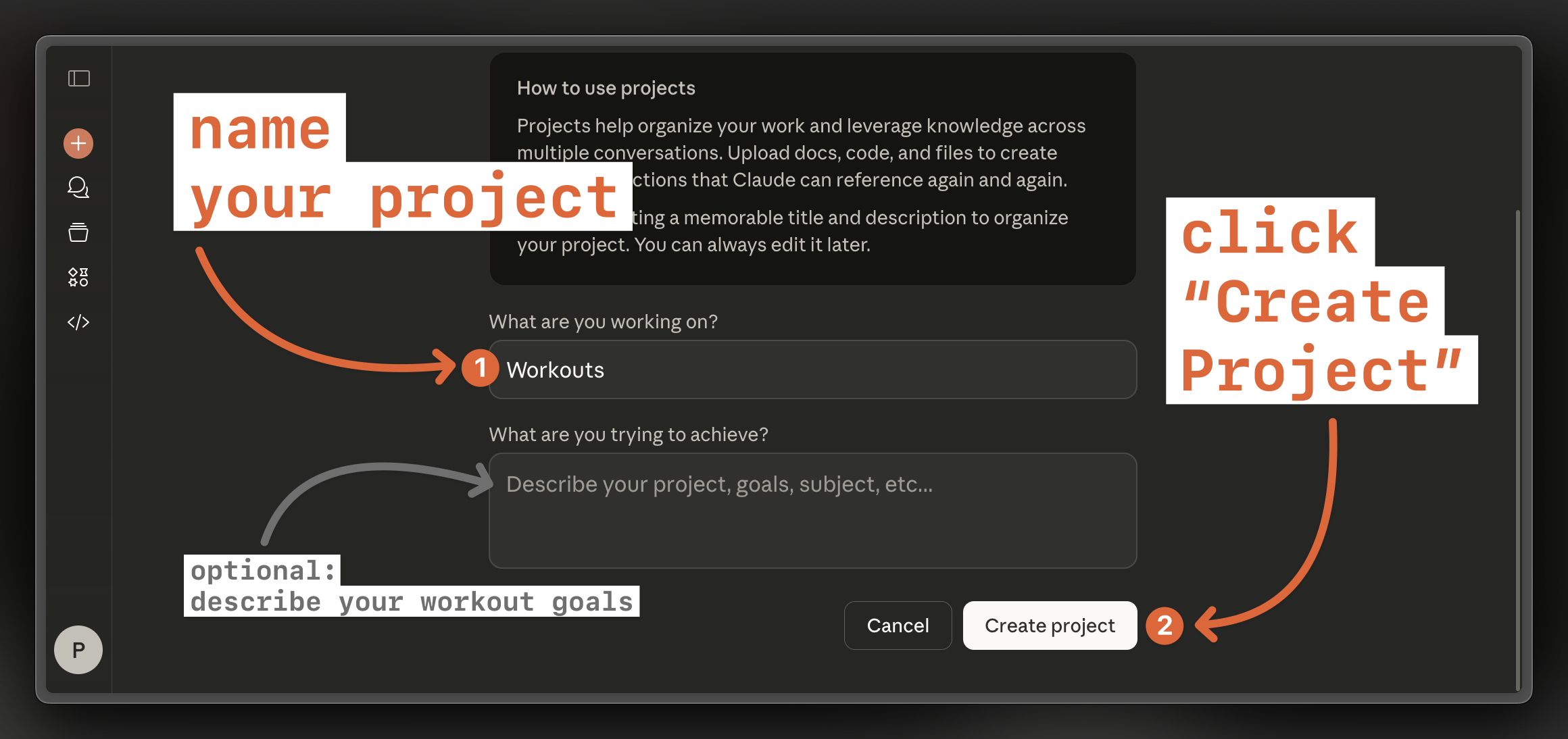
Create new project
4
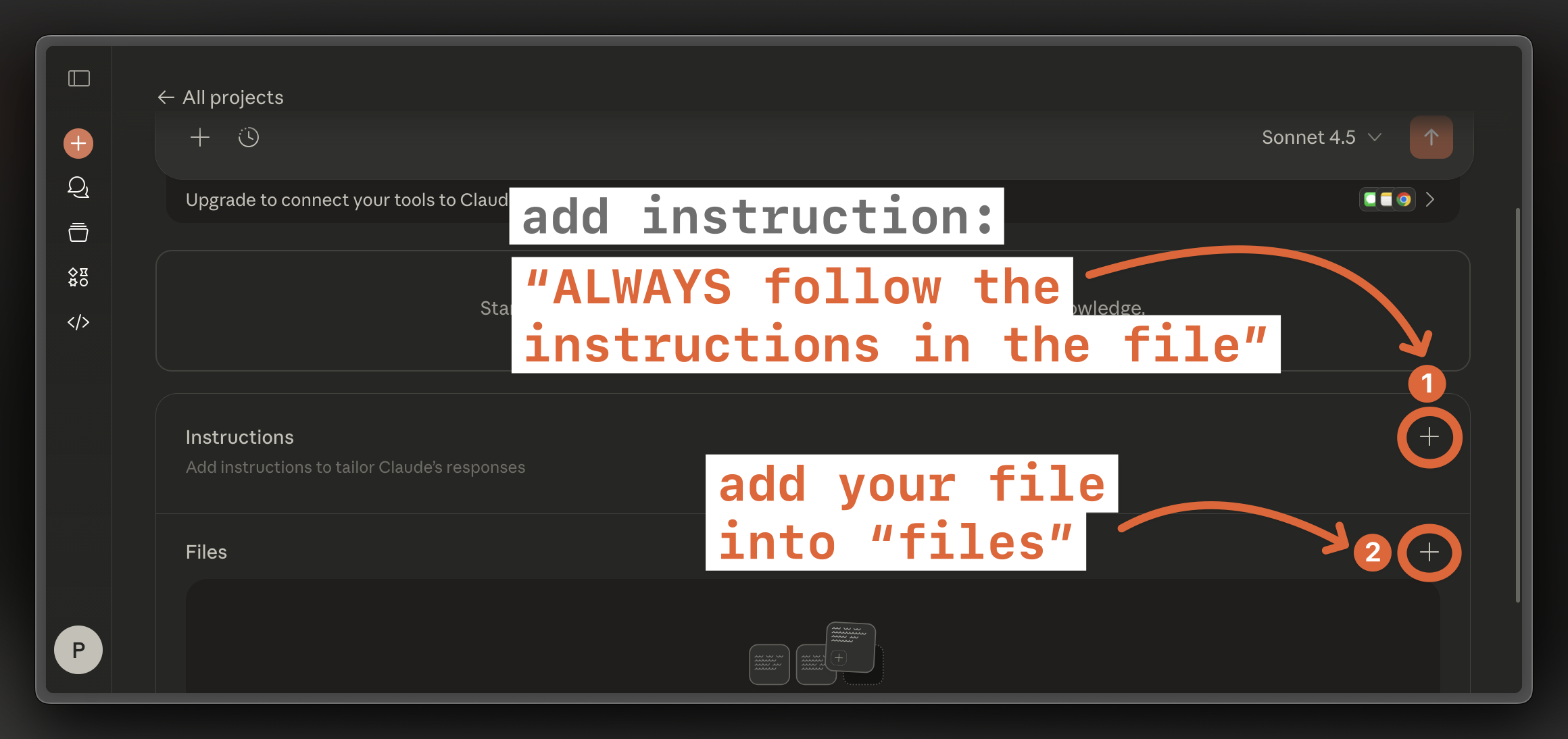
Add instruction "ALWAYS follow the instructions in the file" and drag your file to "Files"
5
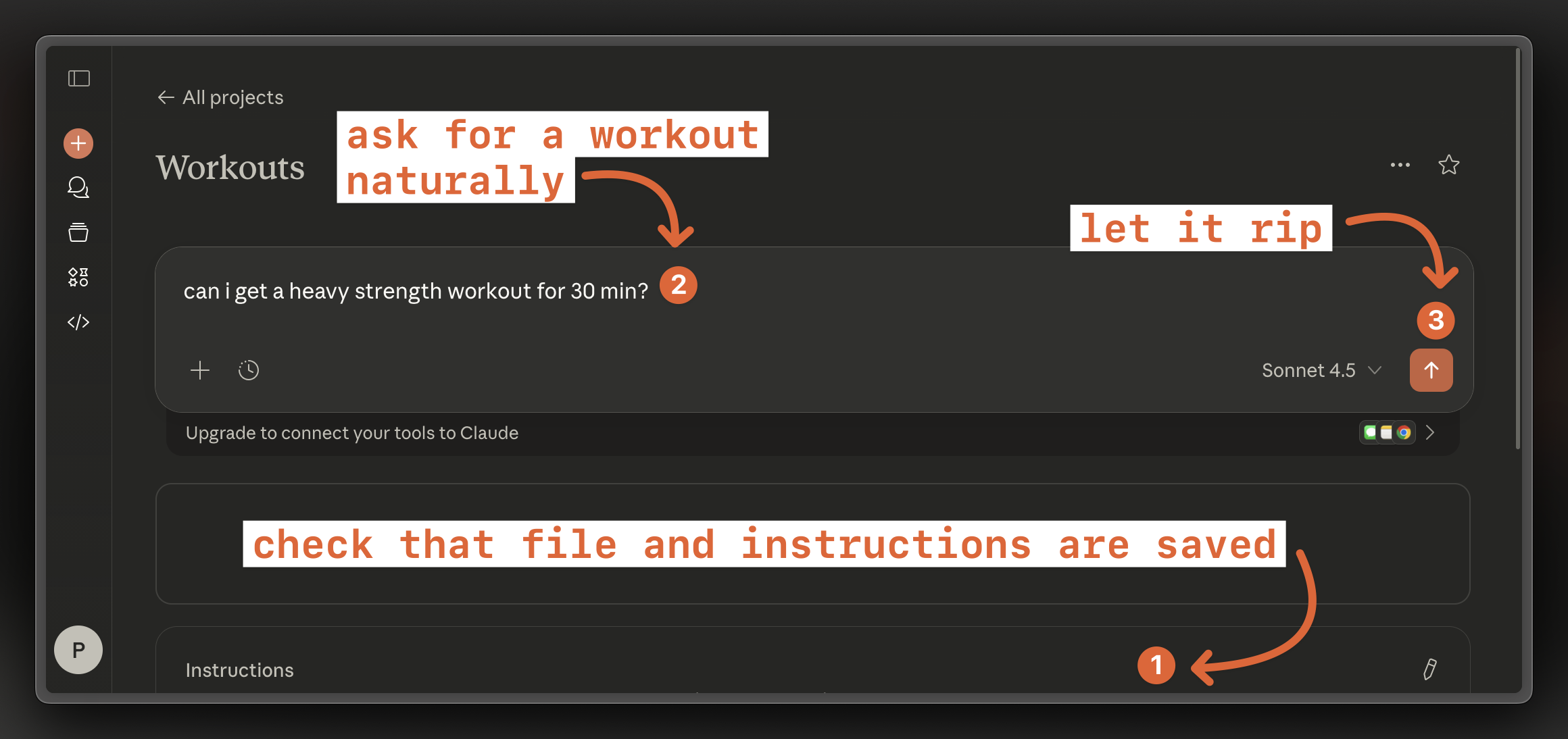
Ask for a workout!
6
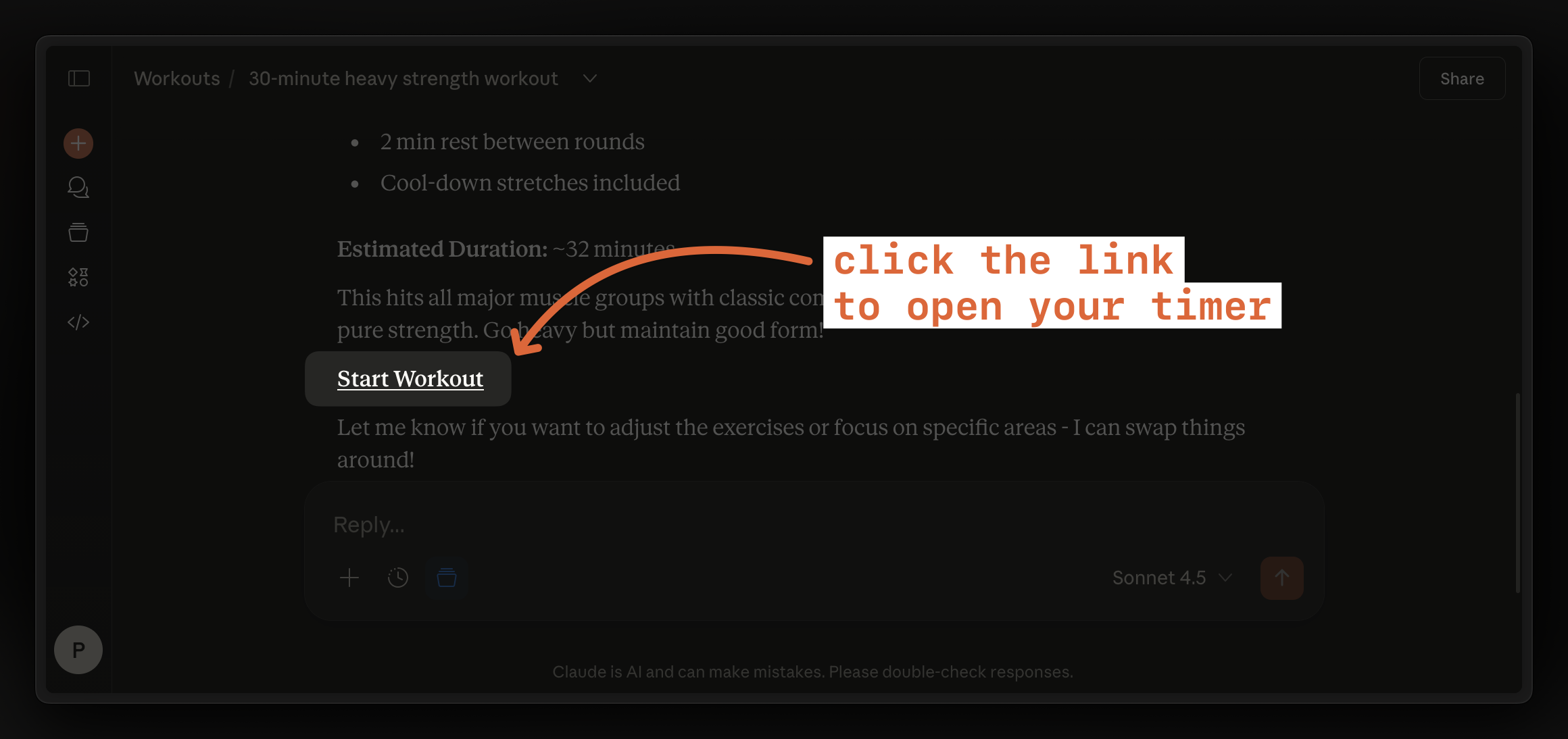
Click the link to open a timer